




Submitted by kernel_script on Fri, 07/10/2009 - 15:50
Revision of How to Create a LiveUSB from Fri, 03/23/2012 - 14:35
The revisions let you track differences between multiple versions of a post.
The goal of this manual is to instruct the user on how to make a bootable USB drive with Trisquel installed.
1) Under Trisquel
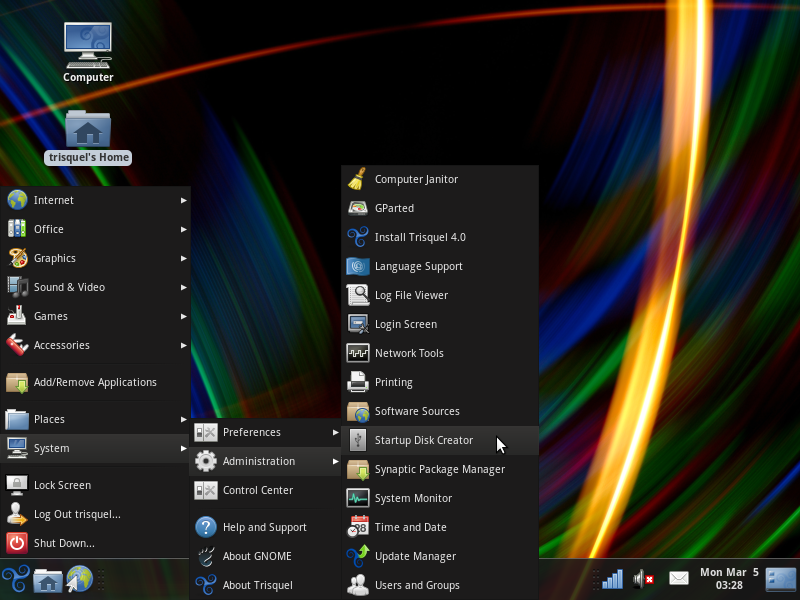
- Open the Startup Disk Creator application
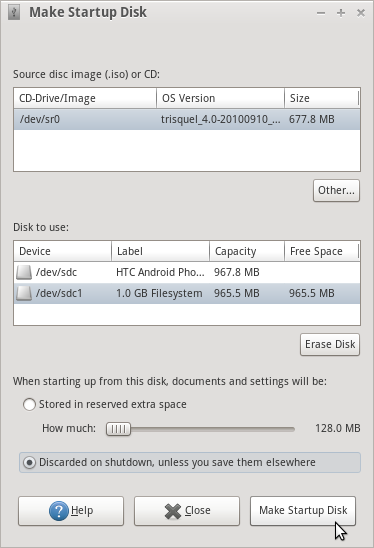
- Select a source disk image or burned Trisquel disk and a designated device. Click Make Startup Disk.
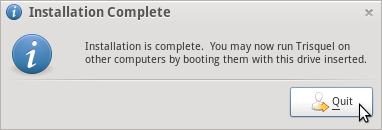
- Confirmation will display that the startup drive is complete.
2) Using dd for a direct copy (Other GNU/Linux distributions)
- $ sudo dd if=/path/to/image.iso of=/dev/sdX bs=8M;sync
Note that you want the device name (e.g. /dev/sdx) not the partition name (e.g. /dev/sdx1).


